Step 1: Log in to your SEAGM account using your email address and password. You may also sign in using supported social login options. If you do not have an account yet, click "Register" to create one.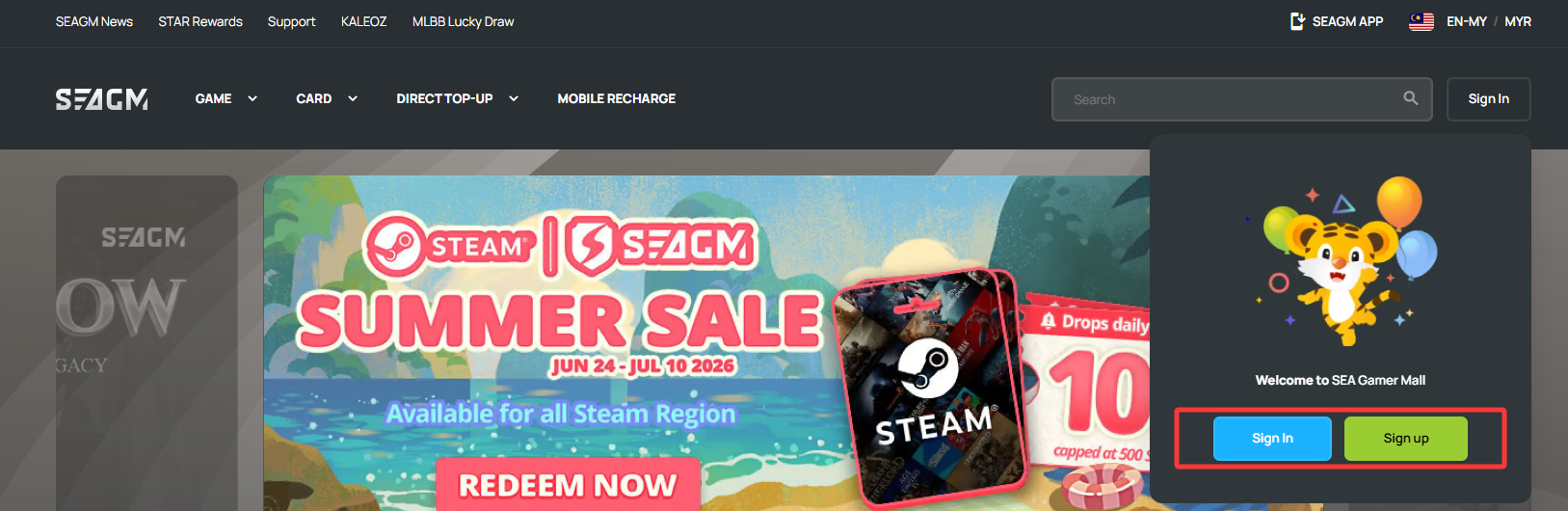
Step 2: Browse products through the navigation menu or use the search bar to find the product you wish to purchase.
Step 3: Choose your desired product, enter the required information (if applicable), and click "Buy Now". Review your order details on the checkout page before proceeding.
Step 4: Confirm your product information and click "Pay Now" to continue.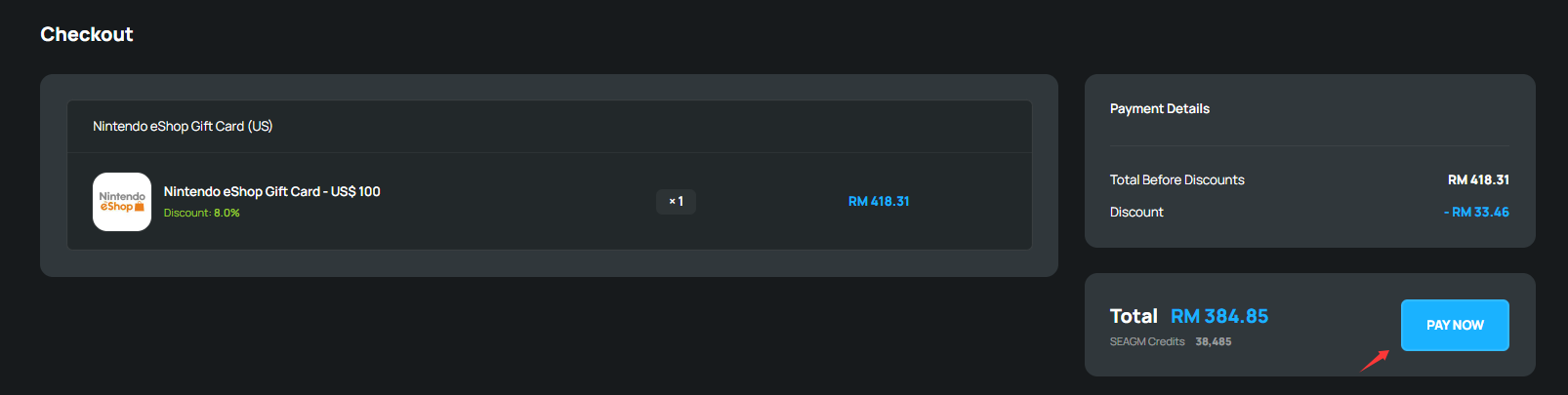
Step 5: Choose your preferred payment method on the payment page. If you have an available SEAGM Balance, you may select it as your payment option and enter your account password to authorise the payment.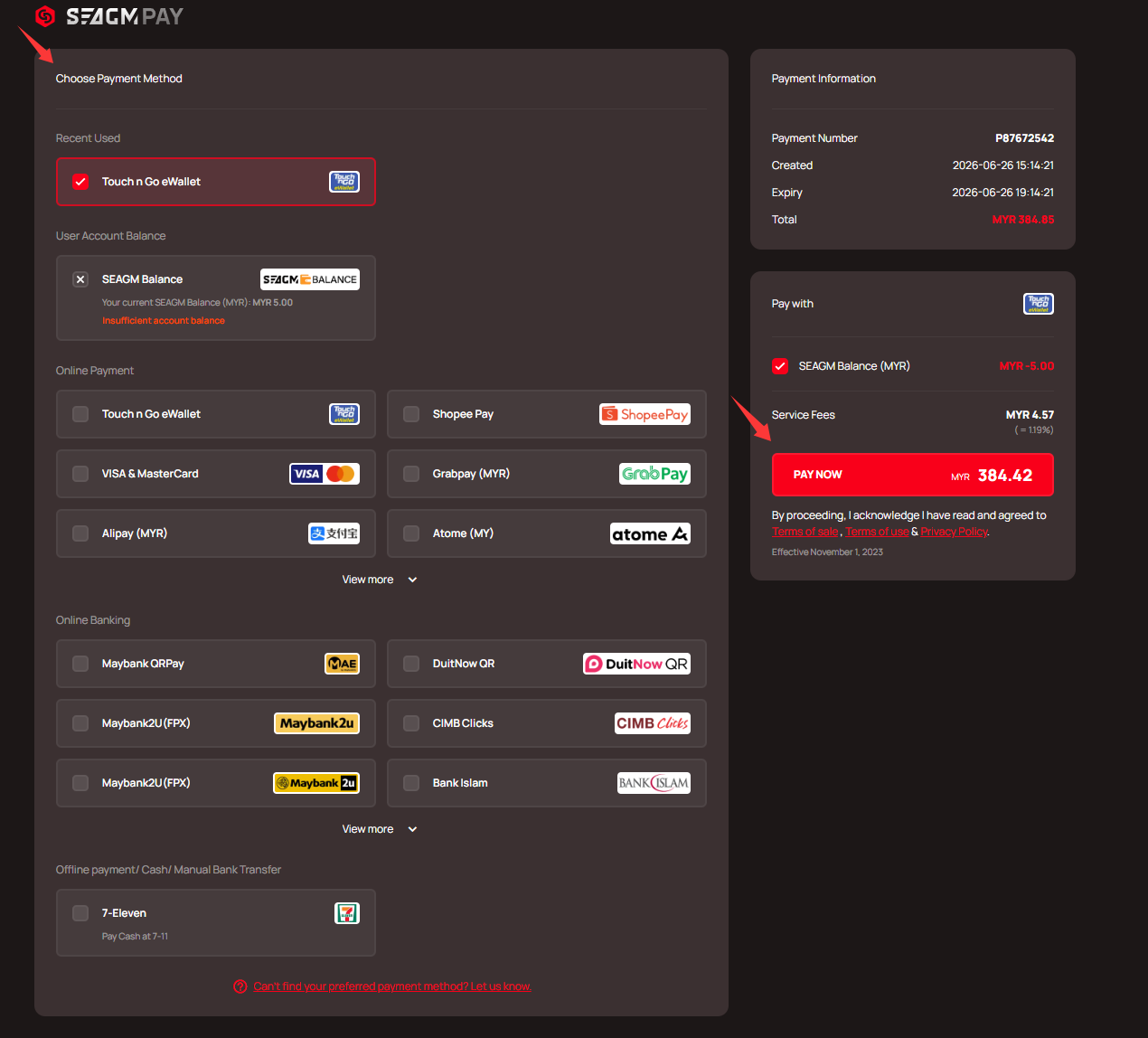
Step 6: Follow the on-screen instructions to complete your payment. After payment is completed, please allow the payment gateway to redirect you back to SEAGM to finalise the transaction.
Note: Please wait for the page to fully load after payment to avoid floating orders.
Step 7: Once payment is successful, your order will be processed automatically. You can view your order status anytime under "My Orders" in your account.
Thank you.
Visit the SEAGM Support site for quick answers and guides.
Need support? Contact our Customer Support via LiveChat .