Lotus's - We care about you with quality products. satisfaction guaranteed Whether fresh food, dry food and service.
Note:
- Lotus’s Gift Card (TH) sold by SEAGM is valid only for Thailand-registered Lotus account users, and all purchases are non-refundable and non-returnable.
- Be sure to read the Terms and Conditions in the description section before making a purchase.
- All purchases on SEAGM are final. Once delivered, they cannot be returned, exchanged, or refunded.
Step 1: Once your purchase from SEAGM is completed, log in to your account and retrieve your Lotus’s Gift Card code from the “My Cards” section.
Step 2: Visit any Lotus’s Thailand branch and select the items you wish to purchase.
Step 3: Proceed to the cashier counter, as Lotus’s Gift Card can only be redeemed at checkout. Present your Lotus’s Gift Card barcode to the cashier by displaying it via the original URL link on your mobile device before making payment.
Note: Lotus’s reserves the right to reject screenshots, saved images, or printed copies of the barcode. Only the barcode displayed directly via the original URL link will be accepted.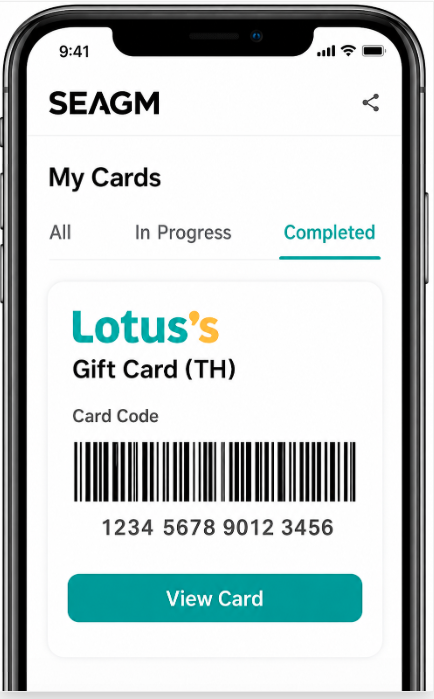
Step 4: The cashier will scan the barcode and apply the gift card value to your purchase.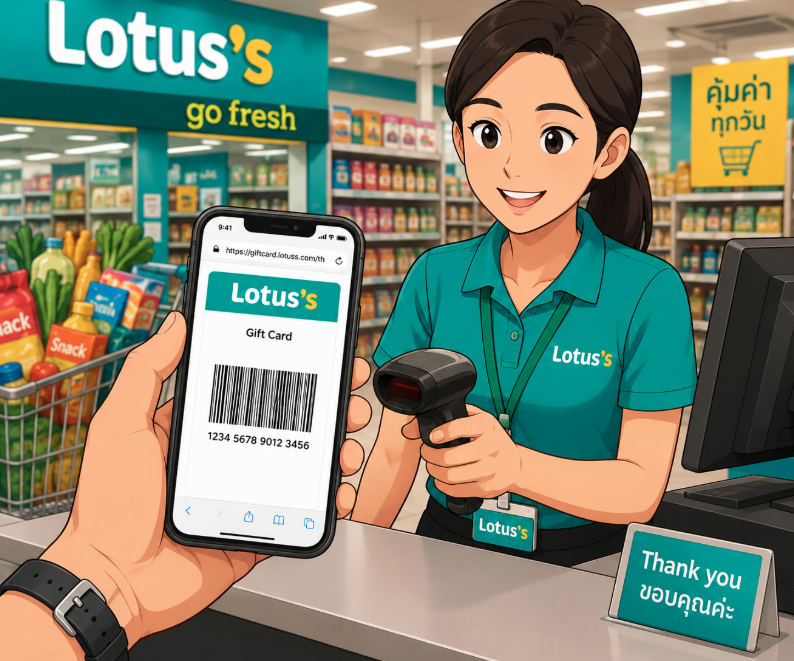
Step 5: If your total purchase amount exceeds the e-voucher value, pay the remaining balance at checkout.
Note: The gift voucher can only be used once. Any unused balance is not refundable.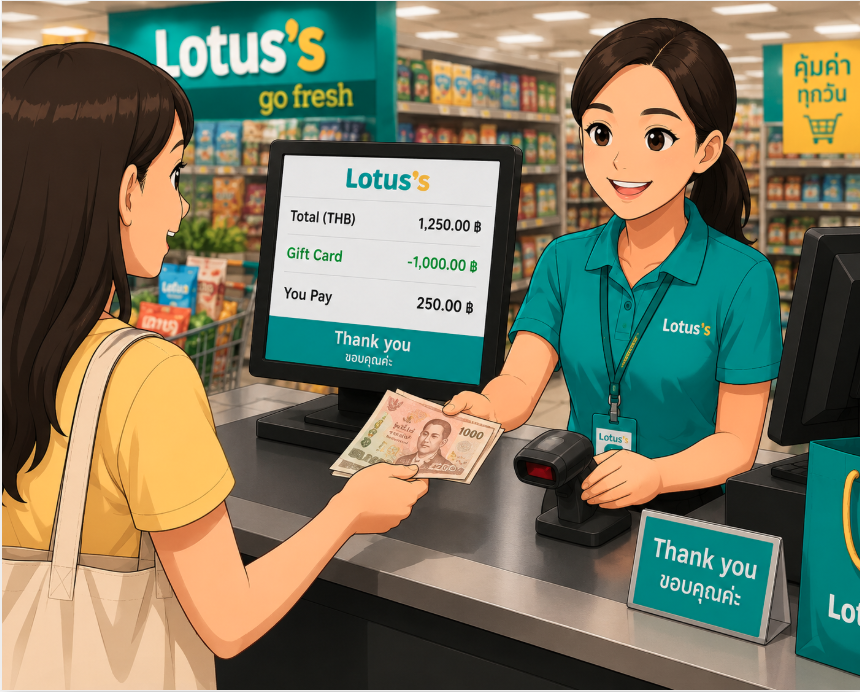
Thank you.
Visit the SEAGM Support site for quick answers and guides.
Need support? Contact our Customer Support via LiveChat .