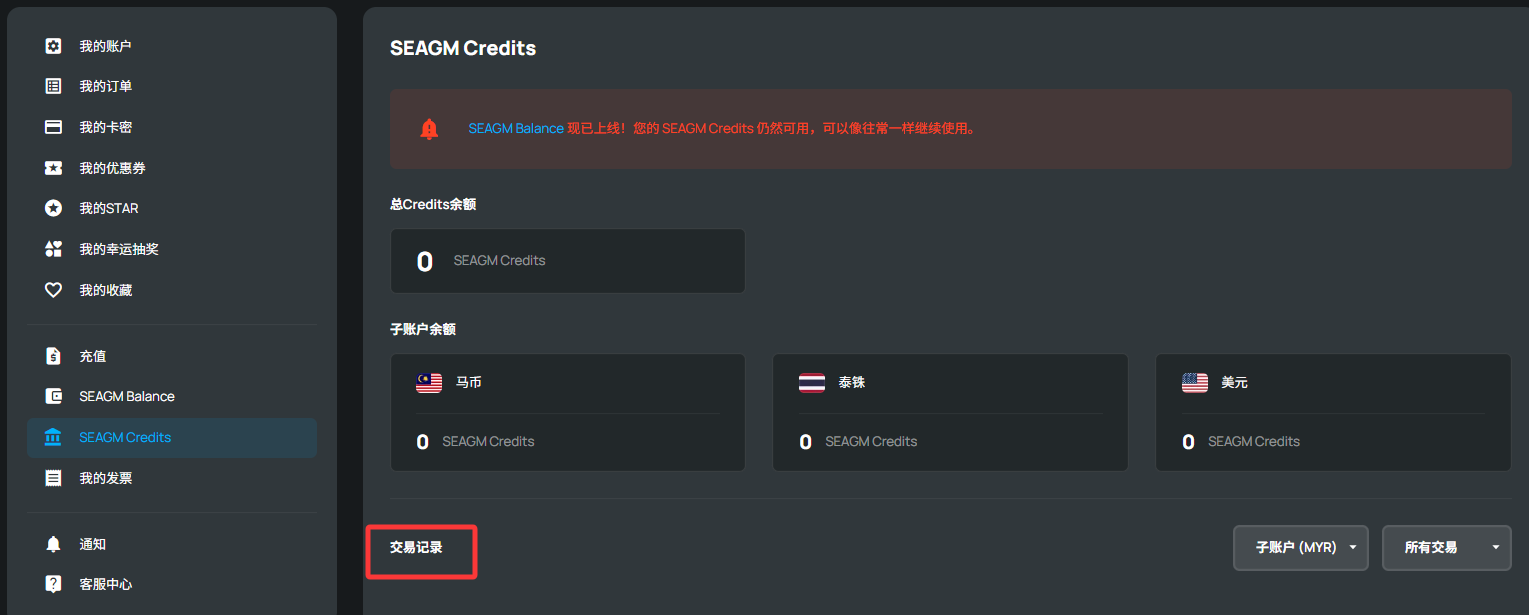
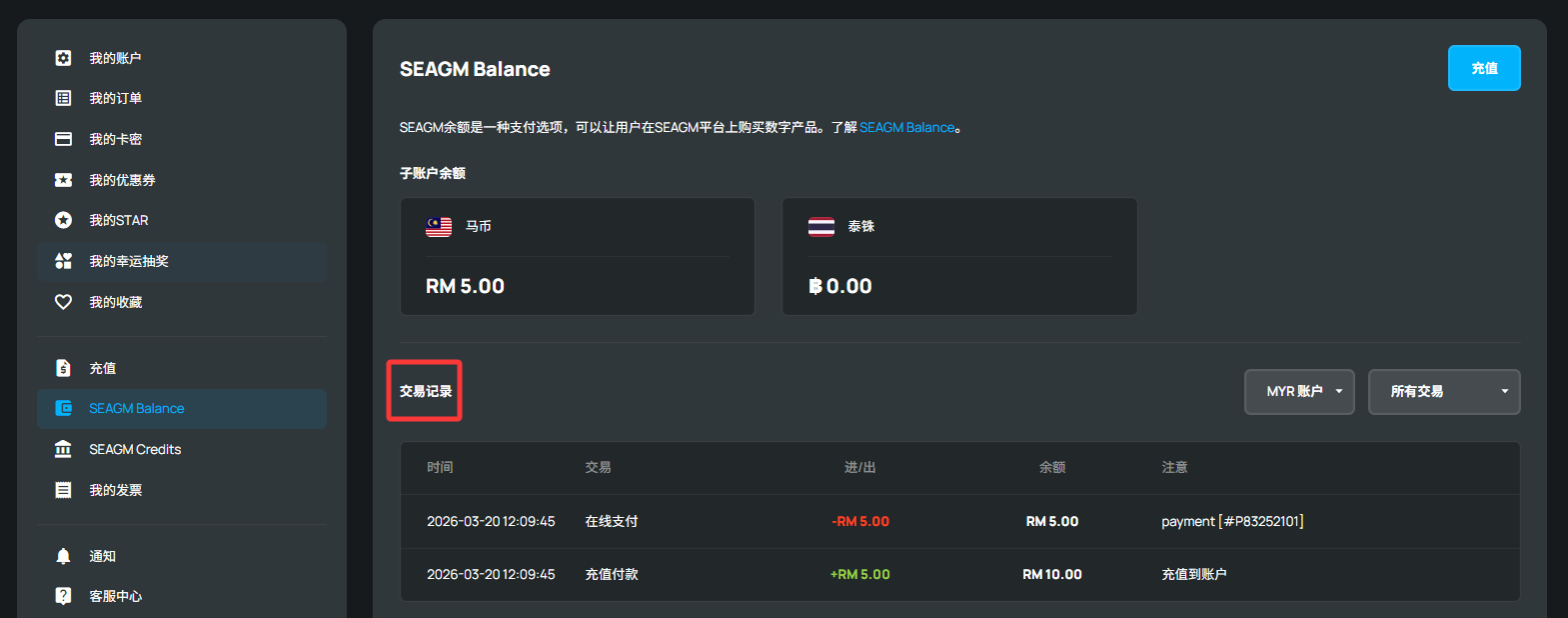
以下是如何查看您的交易记录:
请先登录您的 SEAGM 账户,然后根据您的付款方式进入 “SEAGM Balance” 或 “SEAGM Credit” 页面。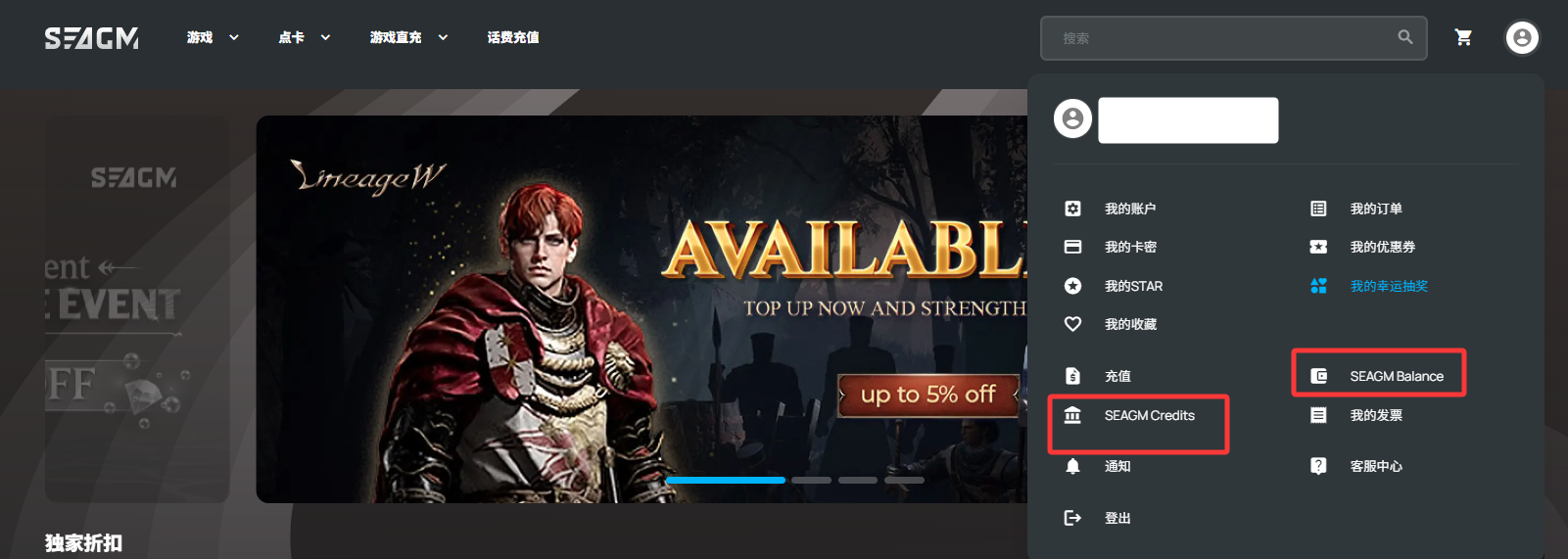
- 如果您使用的是 SEAGM Credits 进行支付,请点击 “SEAGM Credit” 查看交易记录。

- 如果您是通过正常结账并使用 SEAGM Balance 或其他支付方式付款,请点击 “SEAGM Balance” 查看记录。
Thank you.
Visit the SEAGM Support site for quick answers and guides.
Need support? Contact our Customer Support via LiveChat .