Steps on how to top up Garena Shell (TH):
1. Visit the Garena Official Site and click Top up Shells. 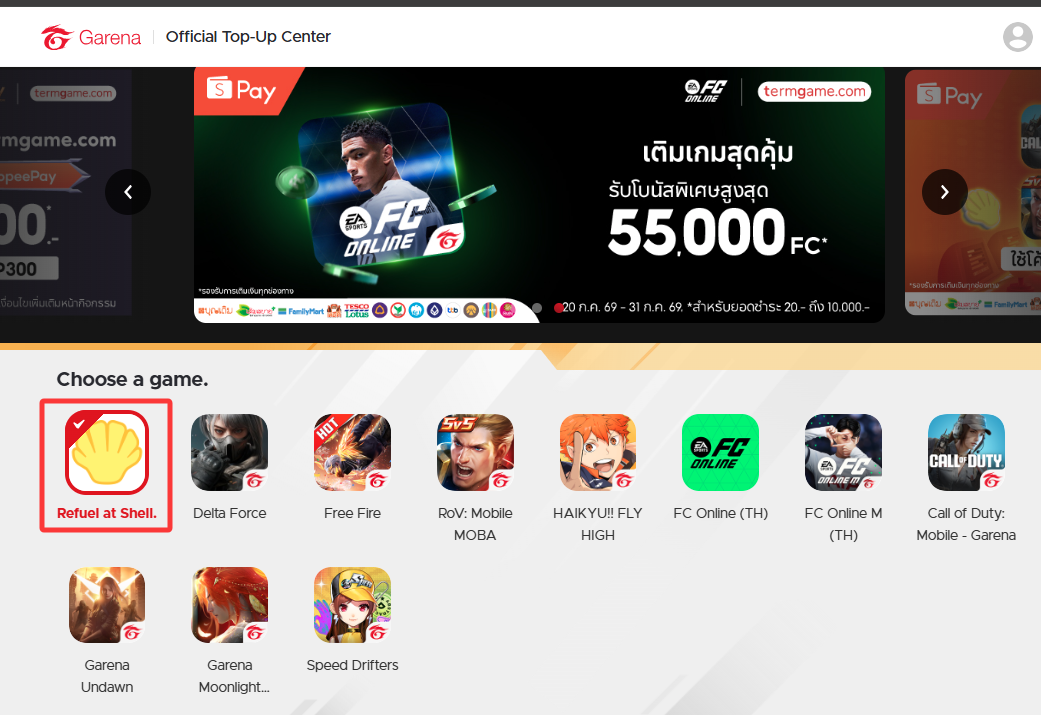
2. Key in your username and password to log in to your Garena account.

3. Choose "Garena/7-ELEVEN" and insert the Garena Shell PIN, then click "ไปต่อการชำระเงิน".
4. After the card redemption is successful, you will see the total shell balance in your account as below.
Note: You may proceed to continue to redeem more cards by clicking "ทำรายการเพิ่มเติม".
Thank you.
Visit the SEAGM Support site for quick answers and guides.
Need support? Contact our Customer Support via LiveChat .