注意: SEAGM 销售的 Google Play 礼品卡为锁区产品,请确保购买礼品卡地区与您注册的 Google 账户地区相同。
第 1 步: 在SEAGM完成购买后 , 请在“我的卡密”中检索您的游戏卡代码。
第 2 步: 安装并启动应用程序,然后点击左边的“商店”图标,选择您想要的符文礼包。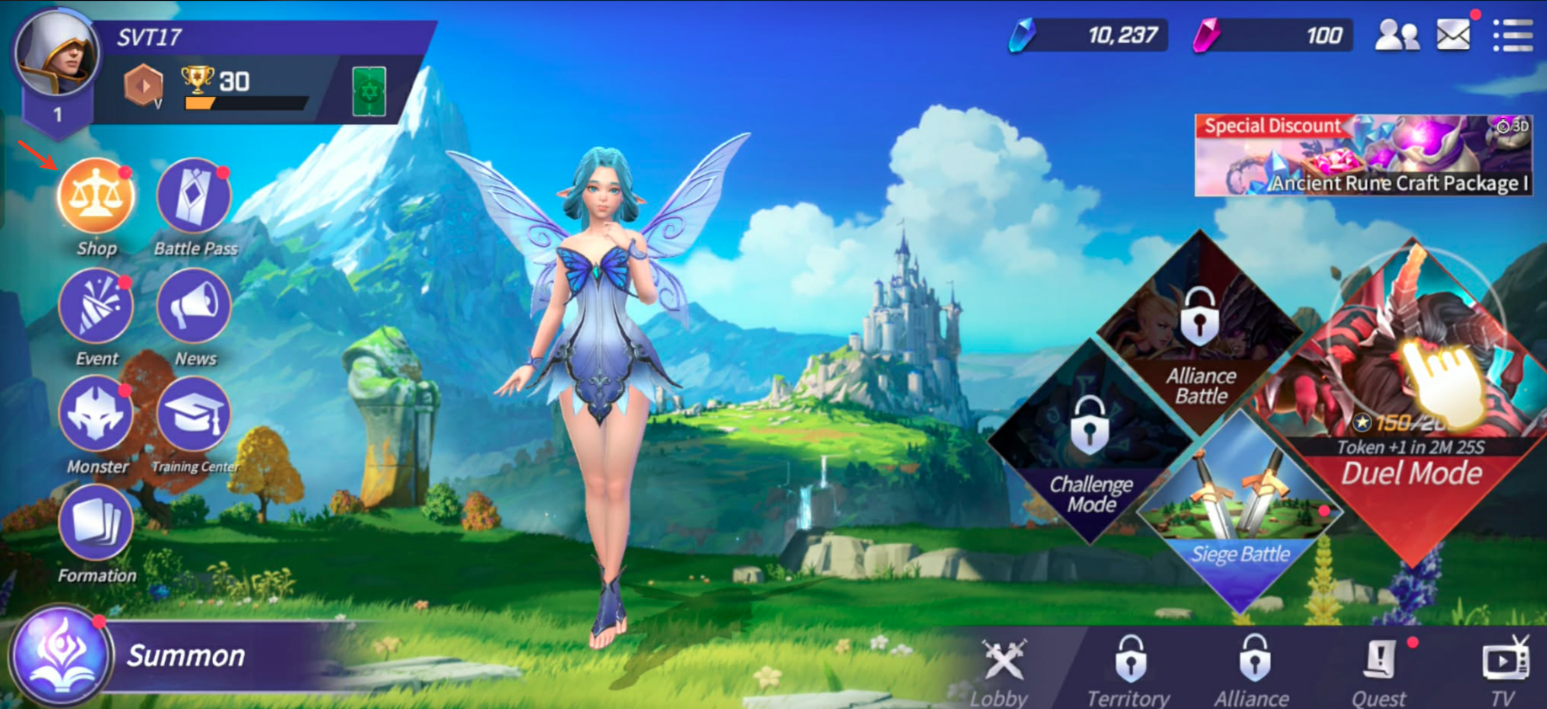
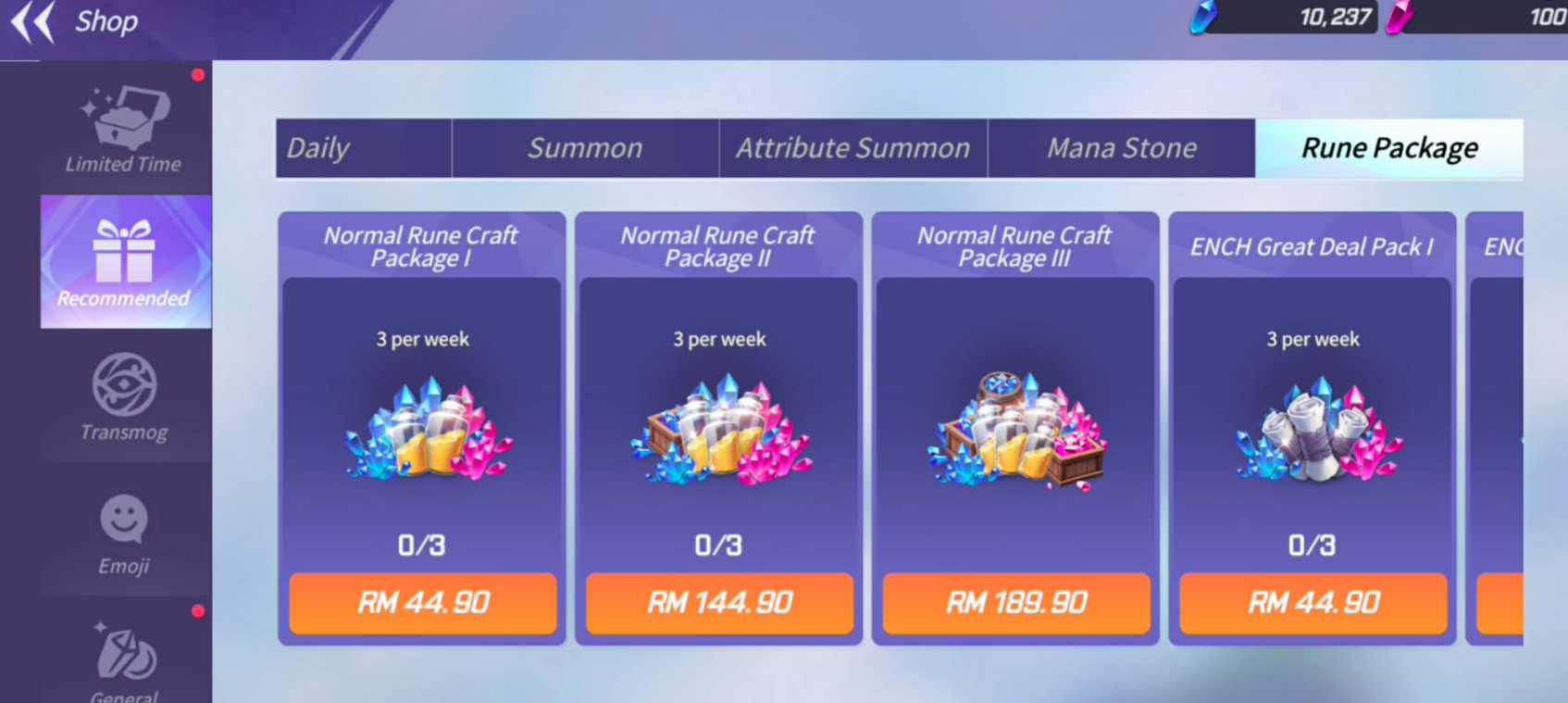
第 3 步: 点击“兑换代码”输入您购买的代码 ,然后单击“兑换”。

第 4 步: 完成后,您购买的物品将自动添加到您的游戏帐户。
Thank you.
Visit the SEAGM Support site for quick answers and guides.
Need support? Contact our Customer Support via LiveChat .