A Shell e-voucher is a digital gift card that can be redeemed for fuel or other products at any Shell station. To redeem one, present the e-voucher's code or barcode to the cashier at a Shell station, who will key in the code to instantly validate and apply the voucher's value to your transaction. These are typically purchased online, and their value can be used for cashless payments, but some vouchers cannot be combined with other offers.
Note:
- Shells Voucher (MY) sold by SEAGM is valid for use in Malaysia only and cannot be redeemed outside the country.
- Be sure to read the Terms and Conditions in the product description section before making your purchase.
- All purchases on SEAGM are final. Once delivered, they cannot be returned, exchanged, or refunded.
Step 1: Once the purchase from SEAGM is completed, kindly retrieve your game card code in "My Cards".
Step 2: Copy the link into your Chrome browser or any web browser to get your e-voucher code. 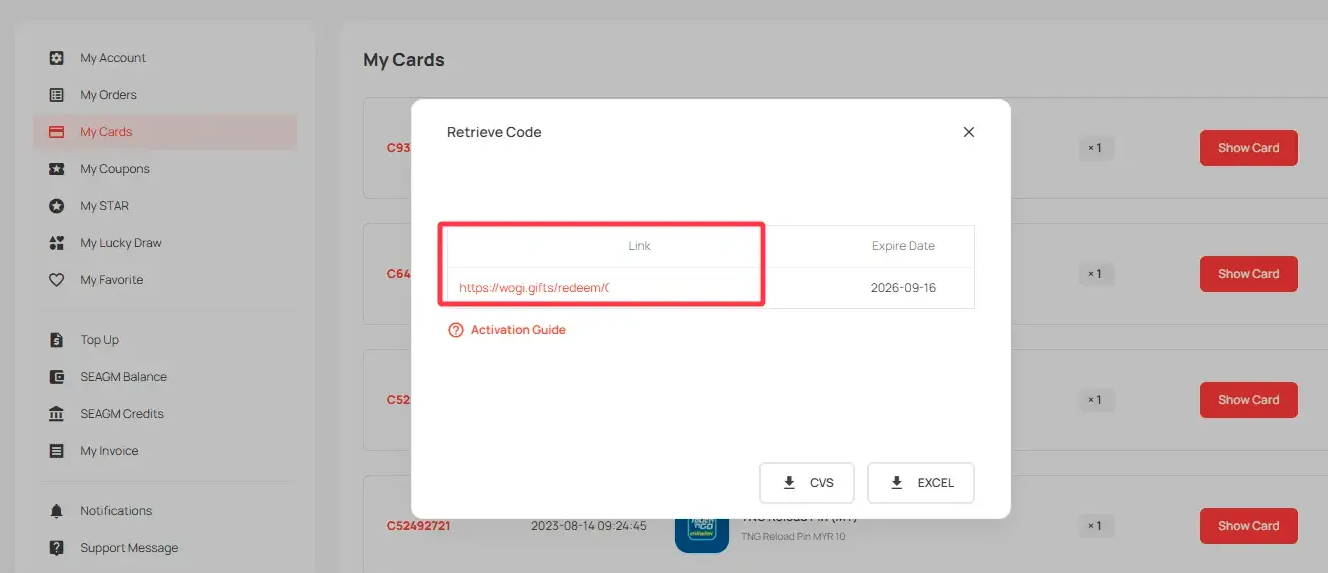
Step 3: Locate the nearest Shells station.
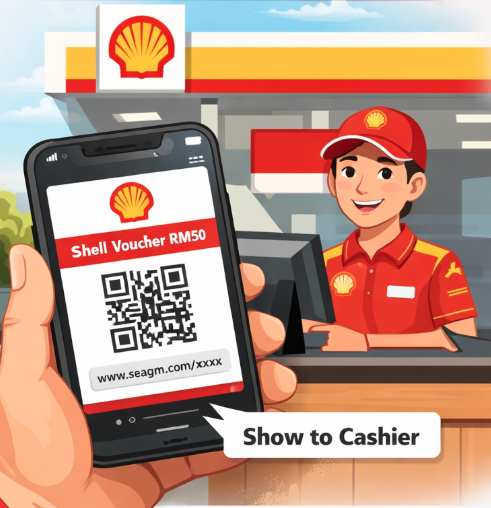
Step 4: Show your SEAGM e-voucher code to the cashier for scanning and redemption.
Important: This voucher is valid for one-time use only. Any unused balance will not be refunded.
Step 5: After redemption, you may proceed to refuel your vehicle as usual.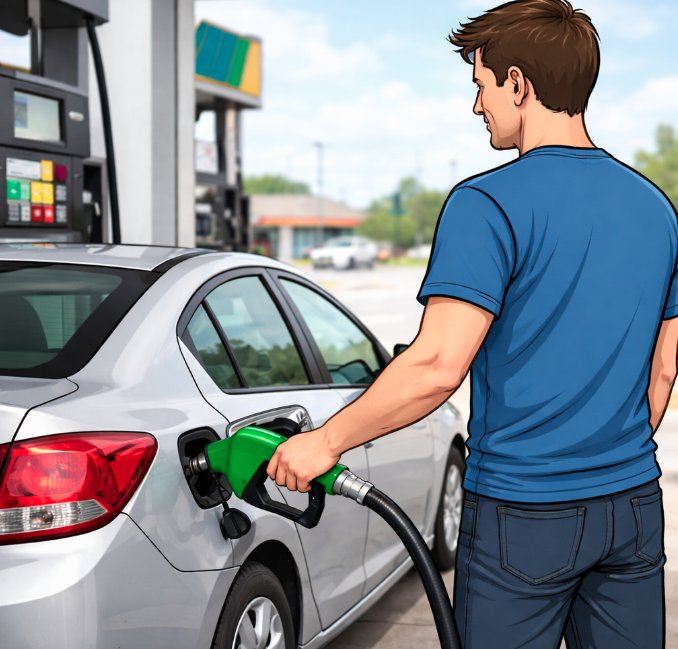
ขอบคุณ
เยี่ยมชม เว็บไซต์สนับสนุน SEAGM เพื่อรับคำตอบและคำแนะนำอย่างรวดเร็ว
ต้องการความช่วยเหลือใช่ไหม? ติดต่อเรา ฝ่ายสนับสนุนลูกค้า ผ่านทาง LiveChat .