Note: The Google Play gift cards sold by SEAGM are region-locked products. Please ensure that the gift card’s region matches the region of your registered Google account.
Step 1: Once the purchase from SEAGM is completed, kindly retrieve your game card code in "My Cards".
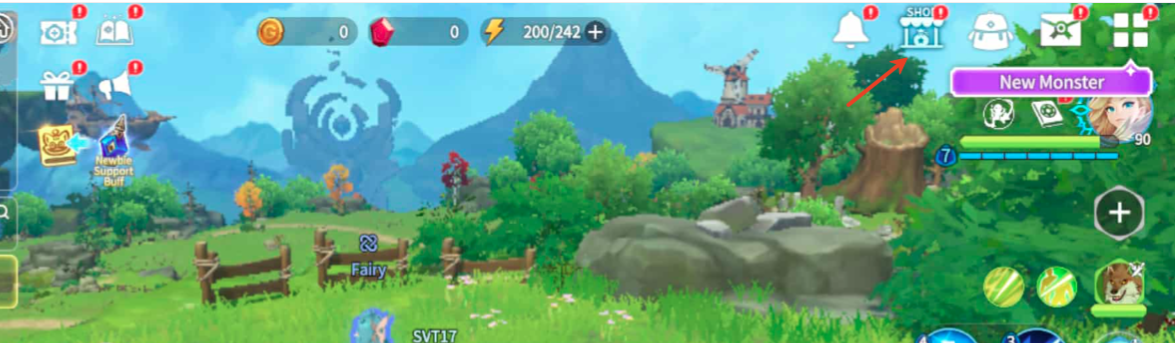
Step 2: Install and start the application, tap on the "Shop" icon, and then select your preferred type of bundle.
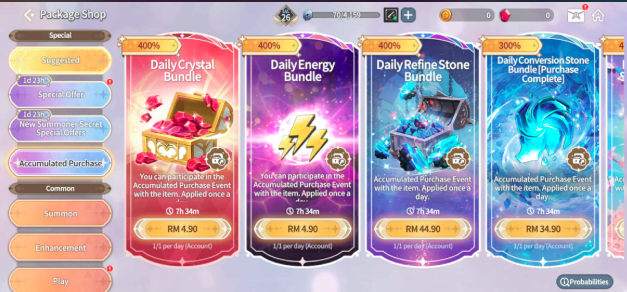
Step 3: Tap "Redeem code" to enter the code you purchased then click "Redeem".

Step 4: Once completed, your purchased item will be added automatically to your game account.
ขอบคุณ
เยี่ยมชม เว็บไซต์สนับสนุน SEAGM เพื่อรับคำตอบและคำแนะนำอย่างรวดเร็ว
ต้องการความช่วยเหลือใช่ไหม? ติดต่อเรา ฝ่ายสนับสนุนลูกค้า ผ่านทาง LiveChat .