Sometimes, when attempting to make a payment or top up an account, users may notice that no payment methods are displayed. This can happen for several reasons: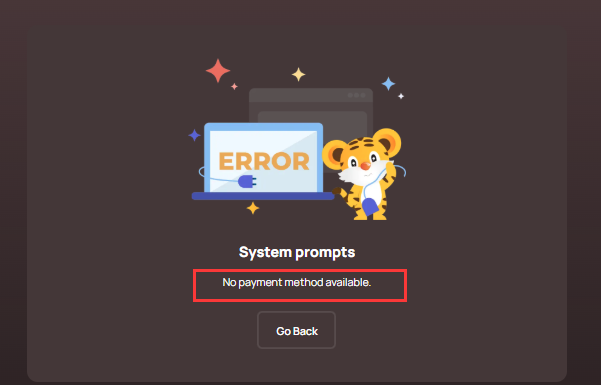
1. Currency not supported.
If the platform does not support the selected currency, no payment method will be shown. To resolve this, switch to a supported currency. You can change your currency at the top right of the SEAGM page.
3. Account balance cannot be recharged
If the selected currency is not supported for recharging your account balance, no payment options will appear. To resolve this, select a different currency. You can change your currency at the top right of the SEAGM page.
Tip: Always select the correct currency before placing an order or recharging your account.
ขอบคุณ
เยี่ยมชม เว็บไซต์สนับสนุน SEAGM เพื่อรับคำตอบและคำแนะนำอย่างรวดเร็ว
ต้องการความช่วยเหลือใช่ไหม? ติดต่อเรา ฝ่ายสนับสนุนลูกค้า ผ่านทาง LiveChat .